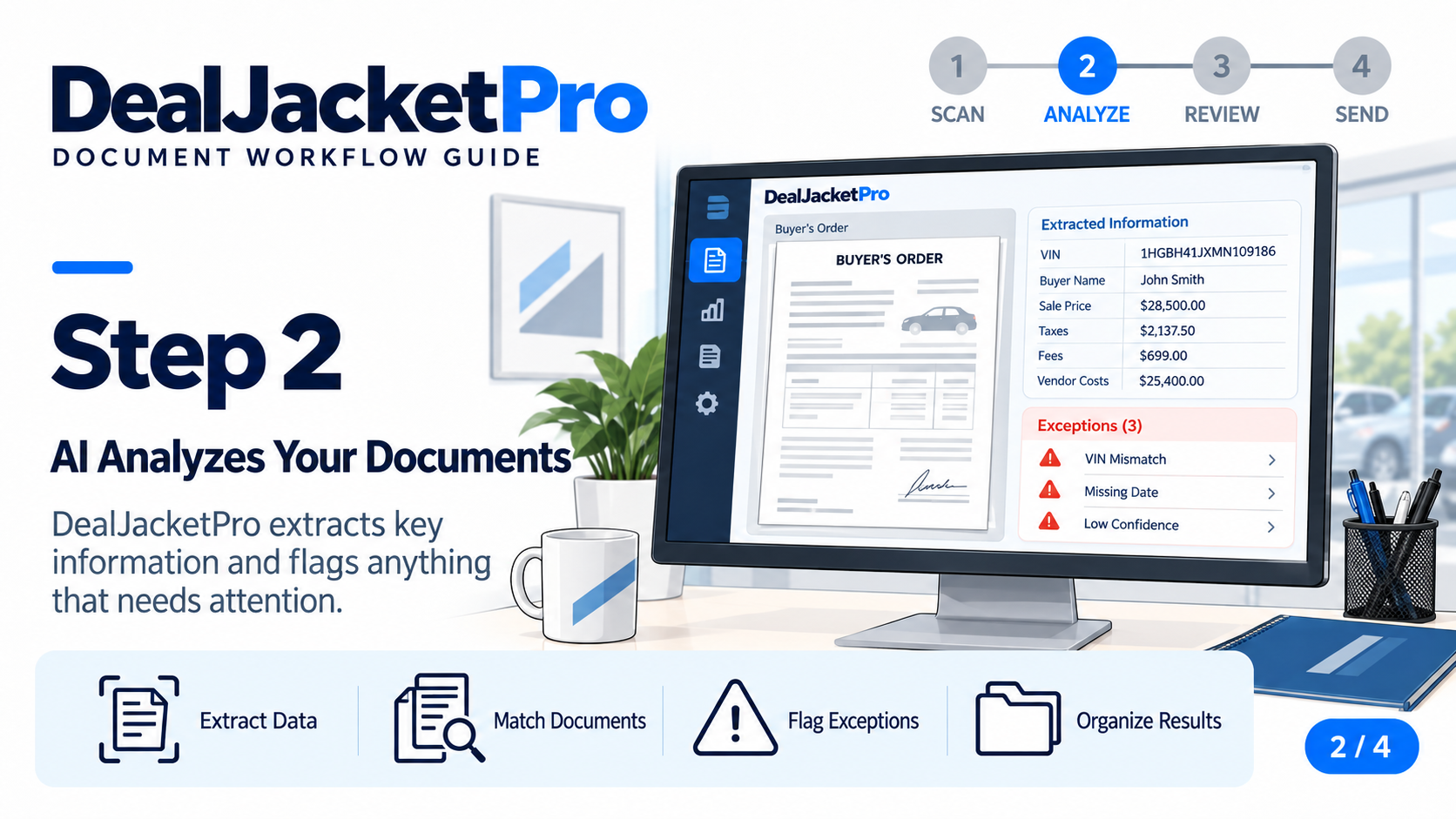
Scan your paperwork
Start by running the vehicle's documents through your scanner.
 DealJacketPro
Give your staff their time back. DealJacketPro pulls vehicle details directly from your paperwork, helps catch mistakes before you send them, and keeps every document together.
No payment details needed to create an account.
Stock DEMO-001 · Sample data
An unclear amount needs a second look.
From paperwork to DealerCenter in four simple steps.
View full-size image: Scan Your Documents (opens in a new tab)
Cut repetitive typing.Reduce the time your staff spends manually copying information from physical paperwork into DealerCenter.
Catch mistakes before you send.Review the pulled details and fix mistakes before sending bad data to DealerCenter.
Keep every vehicle's file together.Keep each vehicle's documents and information together in one place.
Get vehicle details out of your paperwork without typing them all again.
Start by running the vehicle's documents through your scanner.
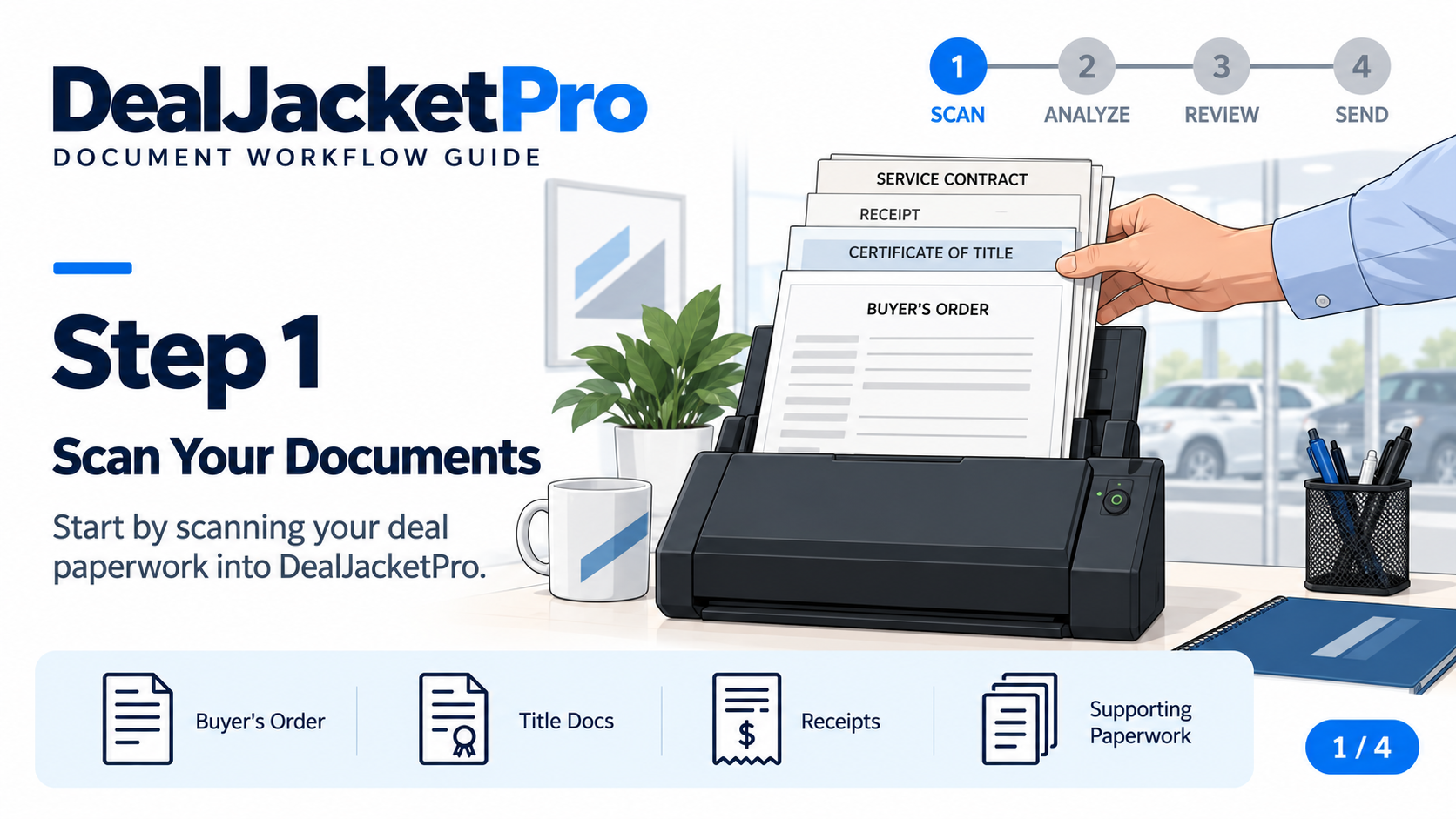
The software pulls key details from your documents so you don't have to type them.
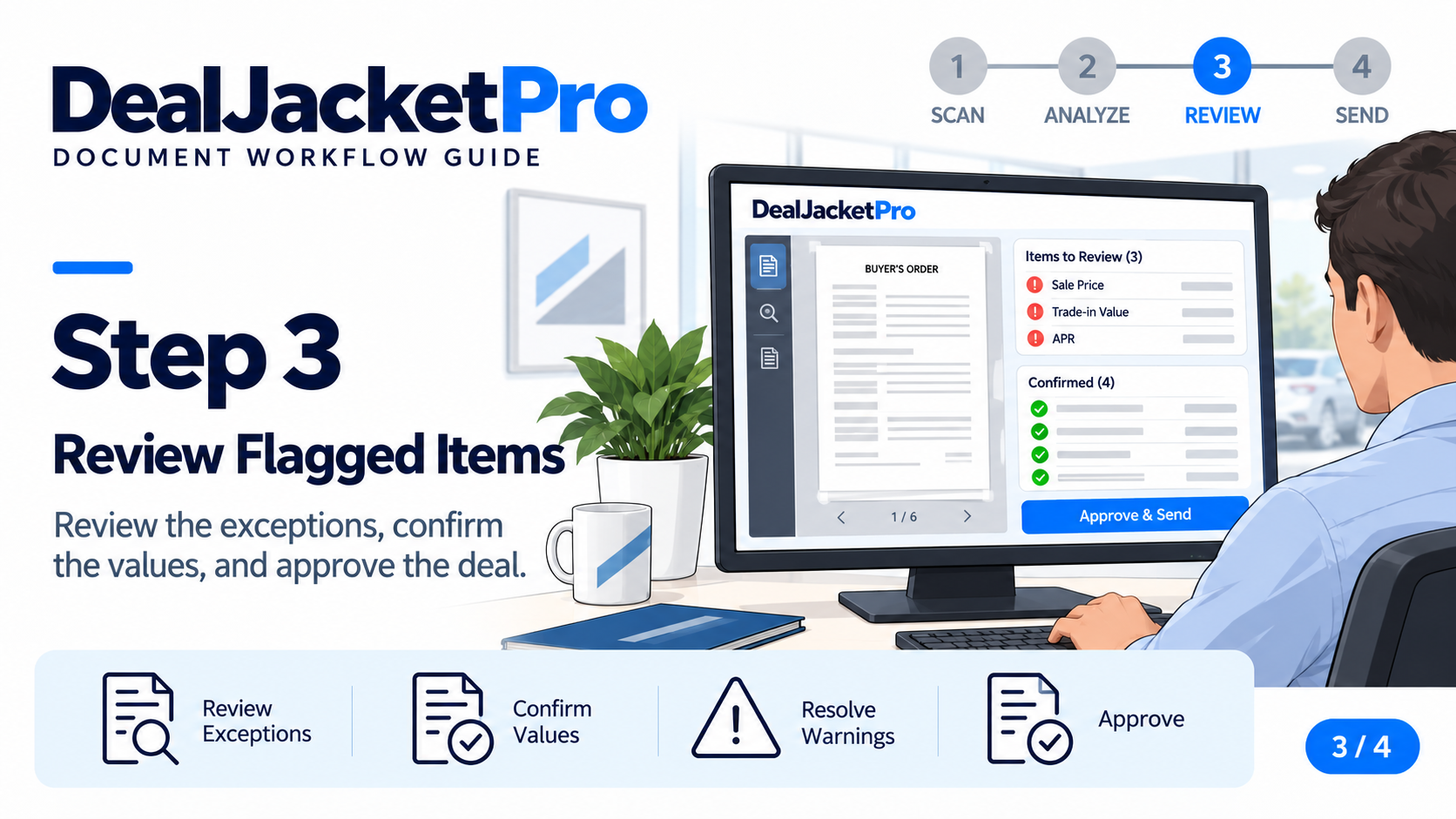
Review the details that need attention and catch mistakes before they carry over.
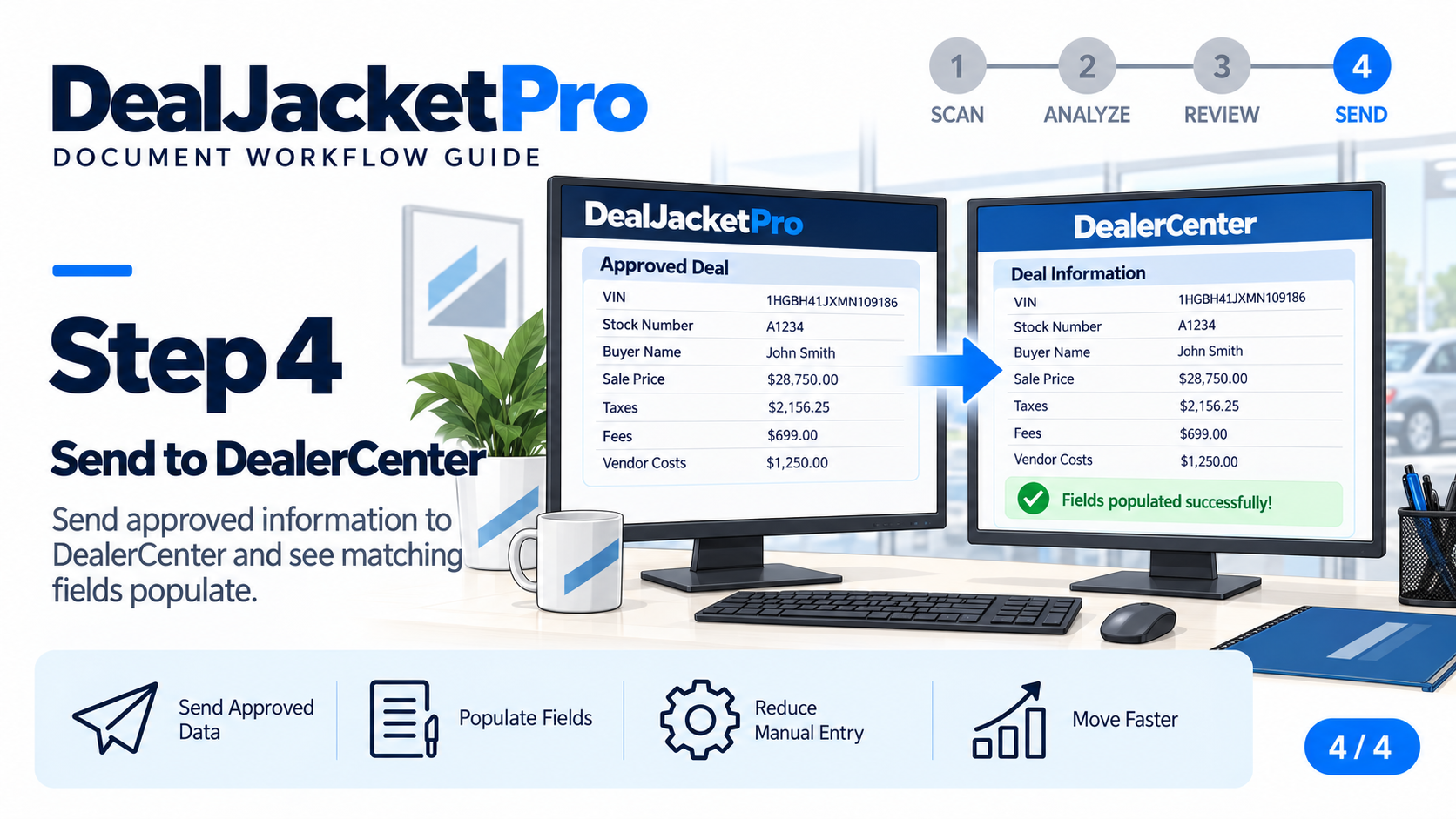
Send the approved information to DealerCenter and move on to the next vehicle.
Your staff shouldn't spend their day copying details between screens. DealJacketPro brings each vehicle's documents, photos, and information together so your team can find what they need and keep moving.
See how you scan, review, and send →Give employees access to the same vehicle records so documents aren't stuck on one person's desk.
Keep new receipts and vehicle photos with the original vehicle file, and choose which ones to send to DealerCenter.
Review what went to DealerCenter while keeping the original documents with the vehicle record.
We'll help you check what your dealership needs before you get started.
Check computer and scanner requirements →Get started with one vehicle and see exactly how DealJacketPro can help your team.