Get vehicle details out of paperwork and into DealerCenter.
Reduce the hours spent typing data from physical documents. Here is how your team processes a vehicle using DealJacketPro.
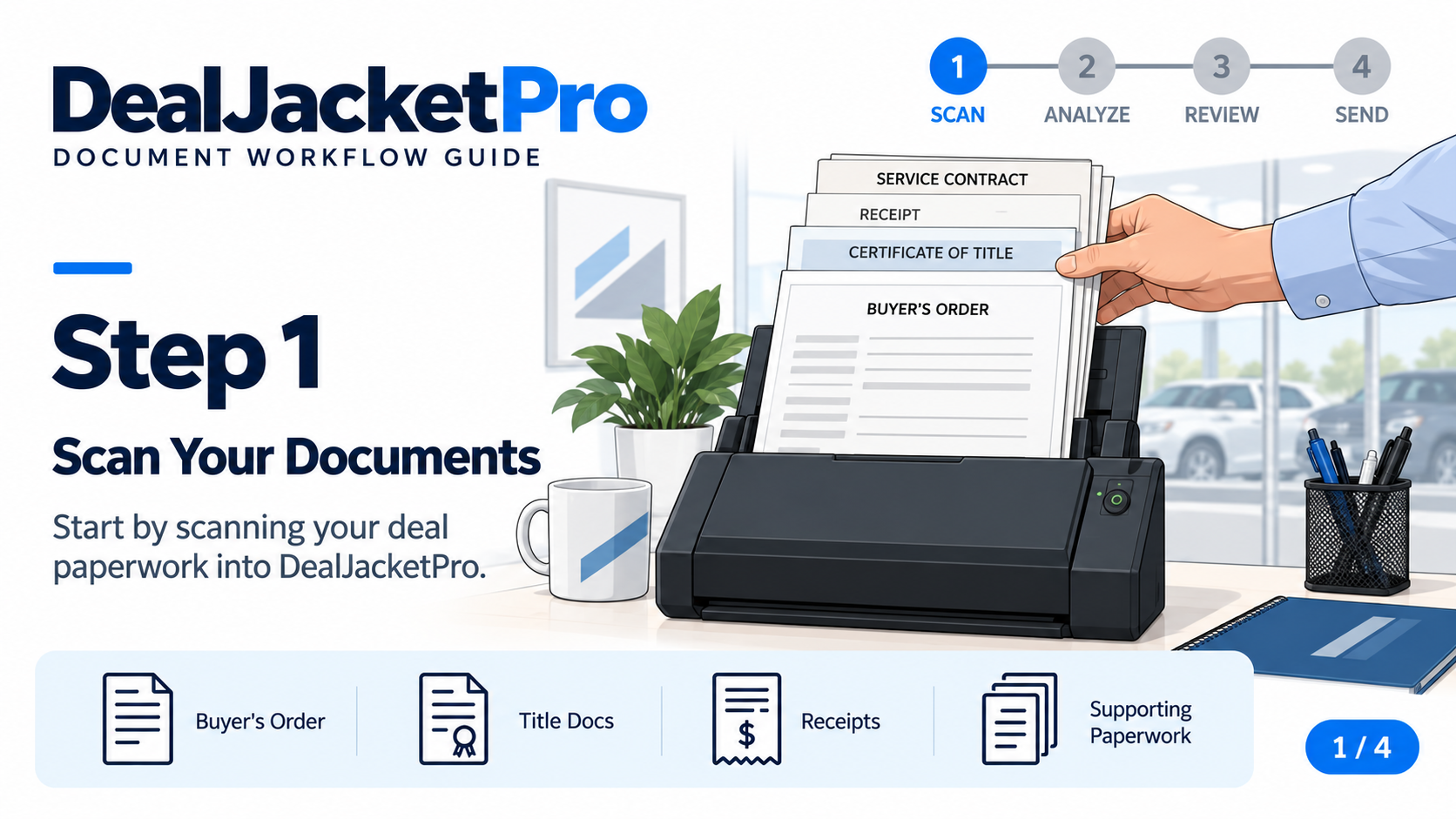
Start with the physical documents.
Take the paperwork for one vehicle and run it through your scanner, or upload PDFs and images you already have saved.
Let the software pull the details.
DealJacketPro reads your documents and pulls out vehicle details and relevant costs. The digital paperwork stays attached to the vehicle record so you can easily find it later.
Review what actually needs your attention.
DealJacketPro checks the information it pulls from your paperwork. If something is missing, inconsistent, or doesn’t line up, it flags it for you to review.
Open the original document right on the screen, fix the issue if needed, and keep moving.
Get the vehicle into DealerCenter.
Send the vehicle information and documents you have approved. Verify the result in DealerCenter, then move on to the next vehicle.
Stop tracking down physical copies.
Come back to a vehicle's file anytime to view its documents, add new photos, or check exactly what was sent to DealerCenter. Your whole team can work from the same updated records.
Check what you need to get started →Already have digital files?
Upload saved PDFs and images instead of scanning paper. Add vehicle photos directly to the vehicle's file.
Bring your team in
Invite employees to your dealership account and control what each person has permission to do.
Spend less of your day retyping paperwork.
Get started with one vehicle and see exactly how DealJacketPro can help your team.